
Buddy Studio: Revolutionizing Robotic Coding Kits with Interactive Scenario Creation
In the rapidly evolving world of robotics education and development, robotic coding kits have become essential tools for learners, developers, and innovators. Among the latest breakthroughs in this space is Buddy Studio, a powerful web application designed to unlock the full creative potential of the Buddy robot through intuitive and advanced scenario building.
EDUCATION / INCLUSION / elder / Welcoming …
What is Buddy Studio?
Buddy Studio is a web-based platform that enables users to create dynamic, interactive content for the Buddy robot using conditional scenarios. Unlike traditional robotic coding kits that rely heavily on complex programming languages, Buddy Studio simplifies the process with a visual and modular approach, making it accessible to both beginners and advanced users.
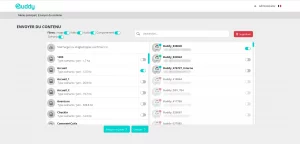
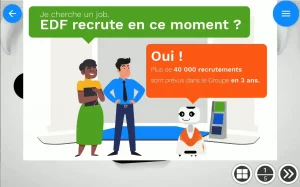
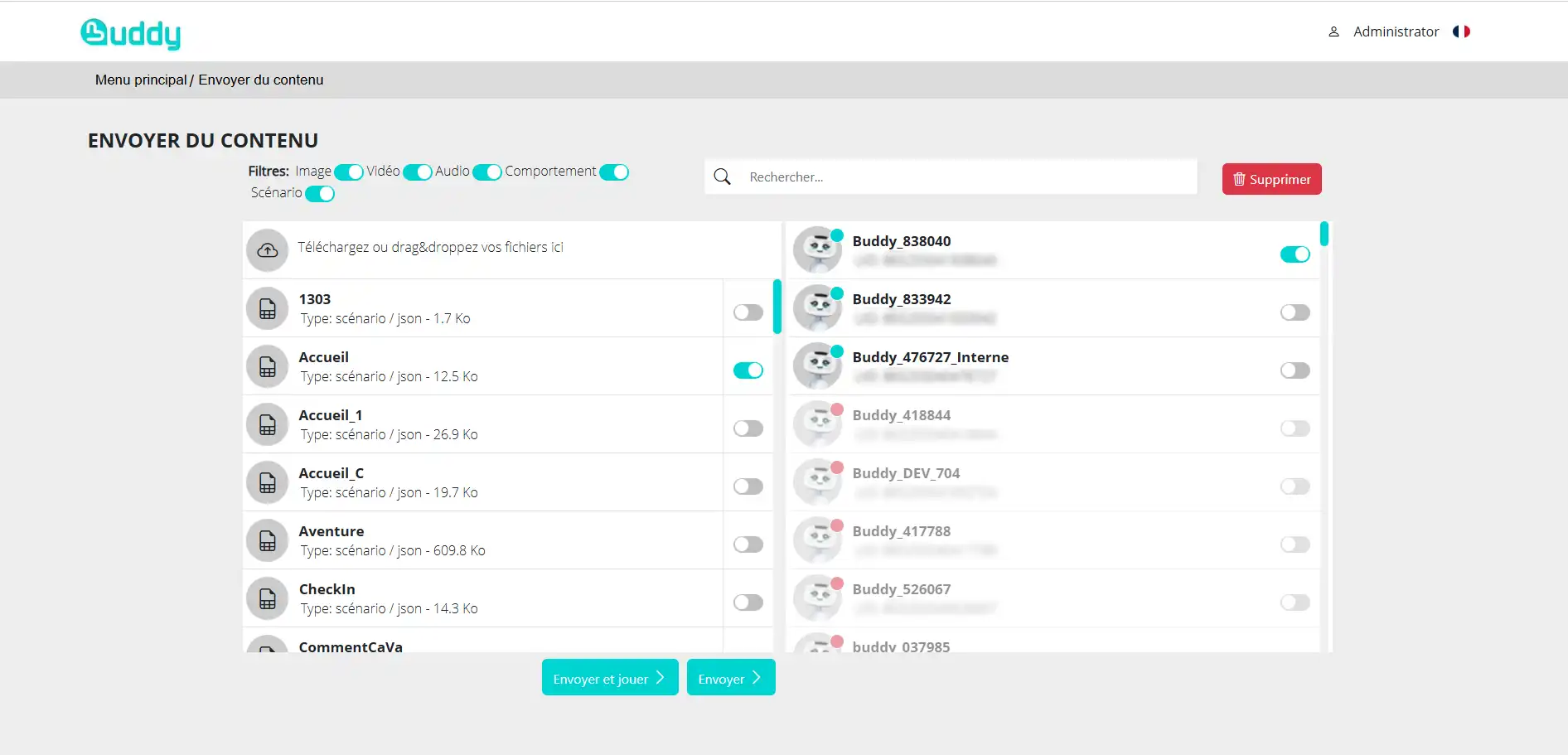
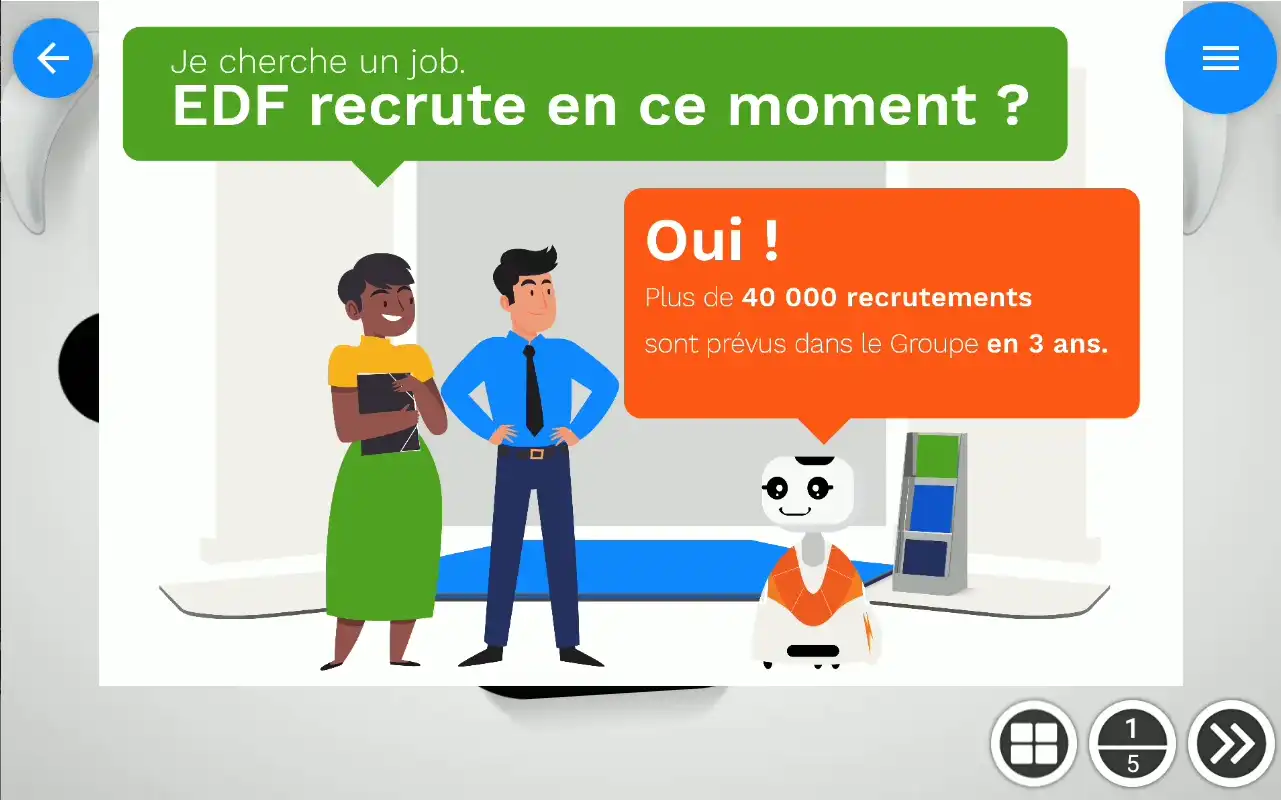
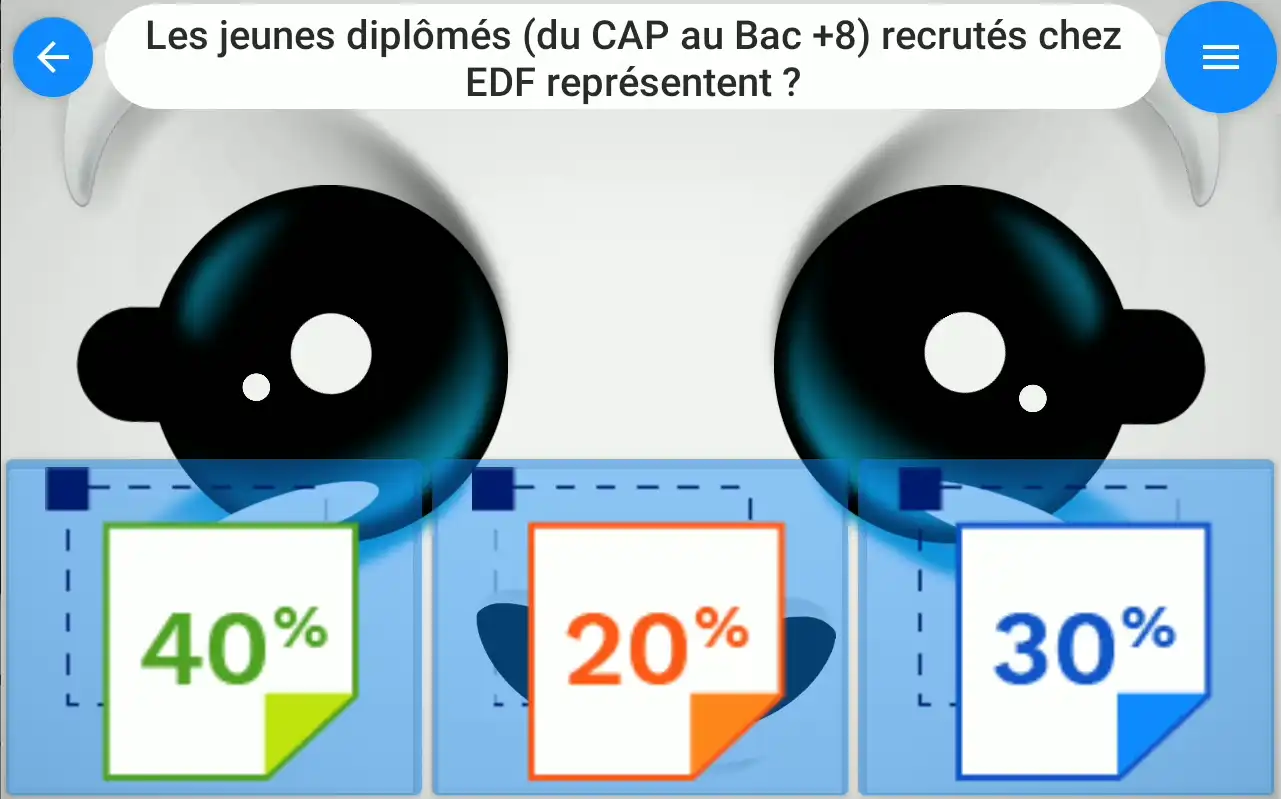
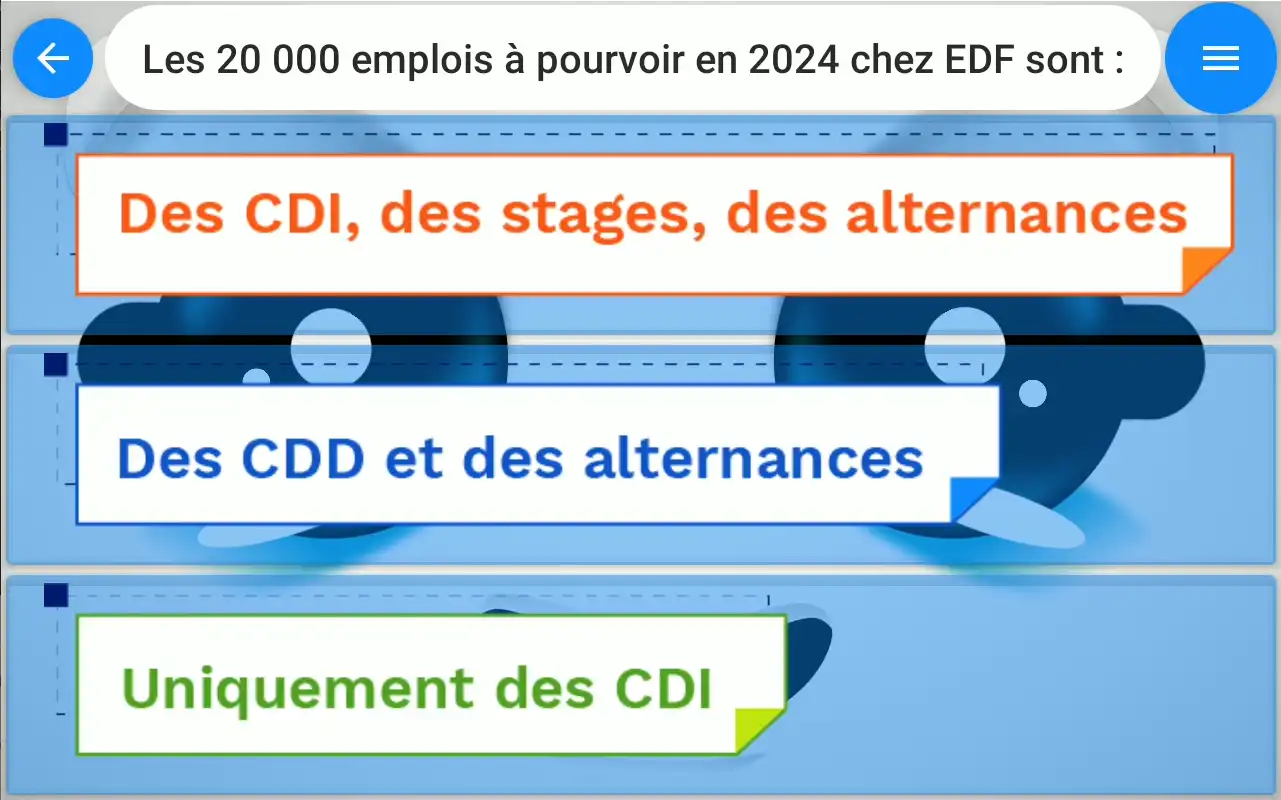
ABOUT THE BUDDY STUDIO WEB APPLICATION
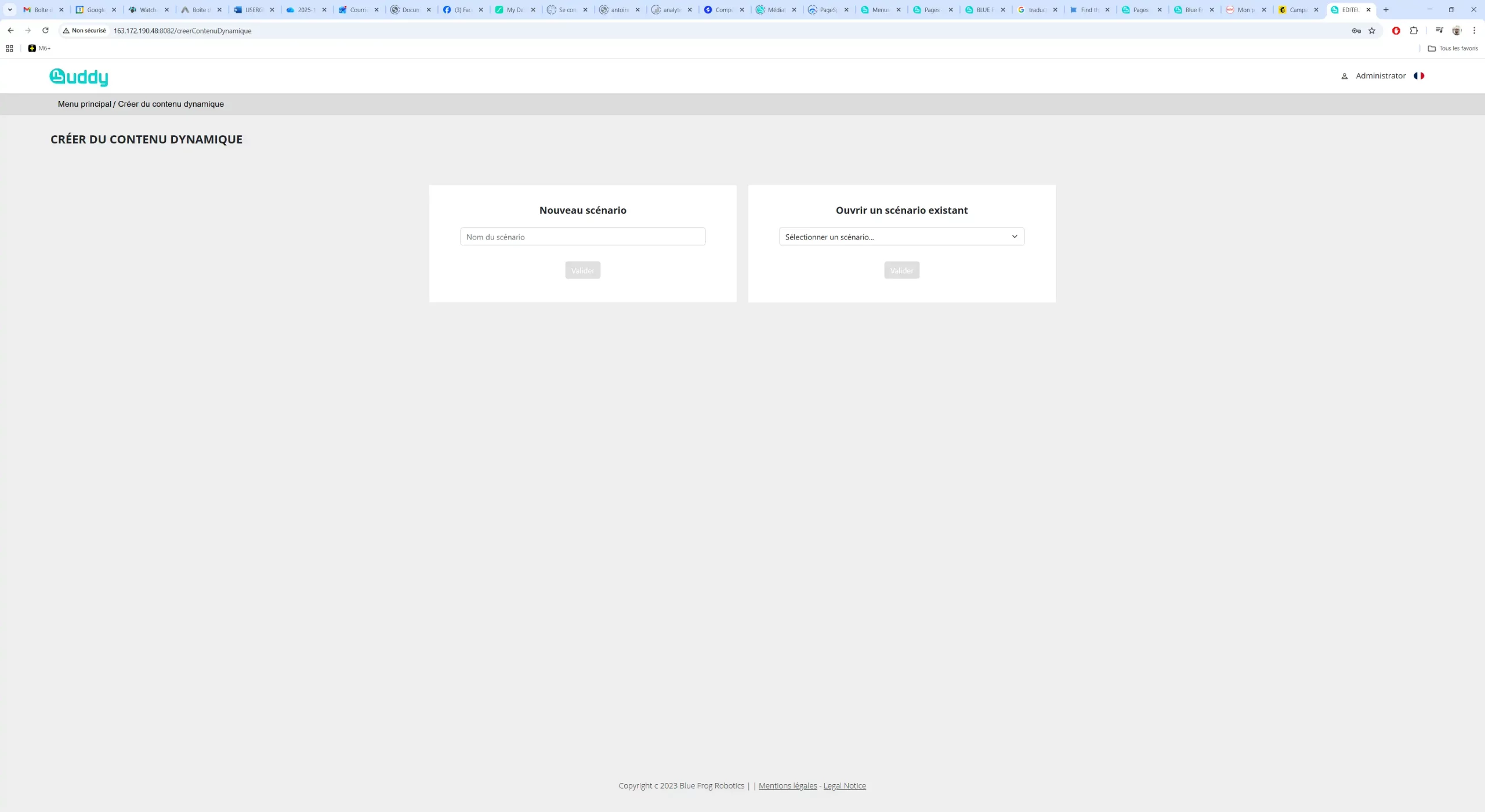
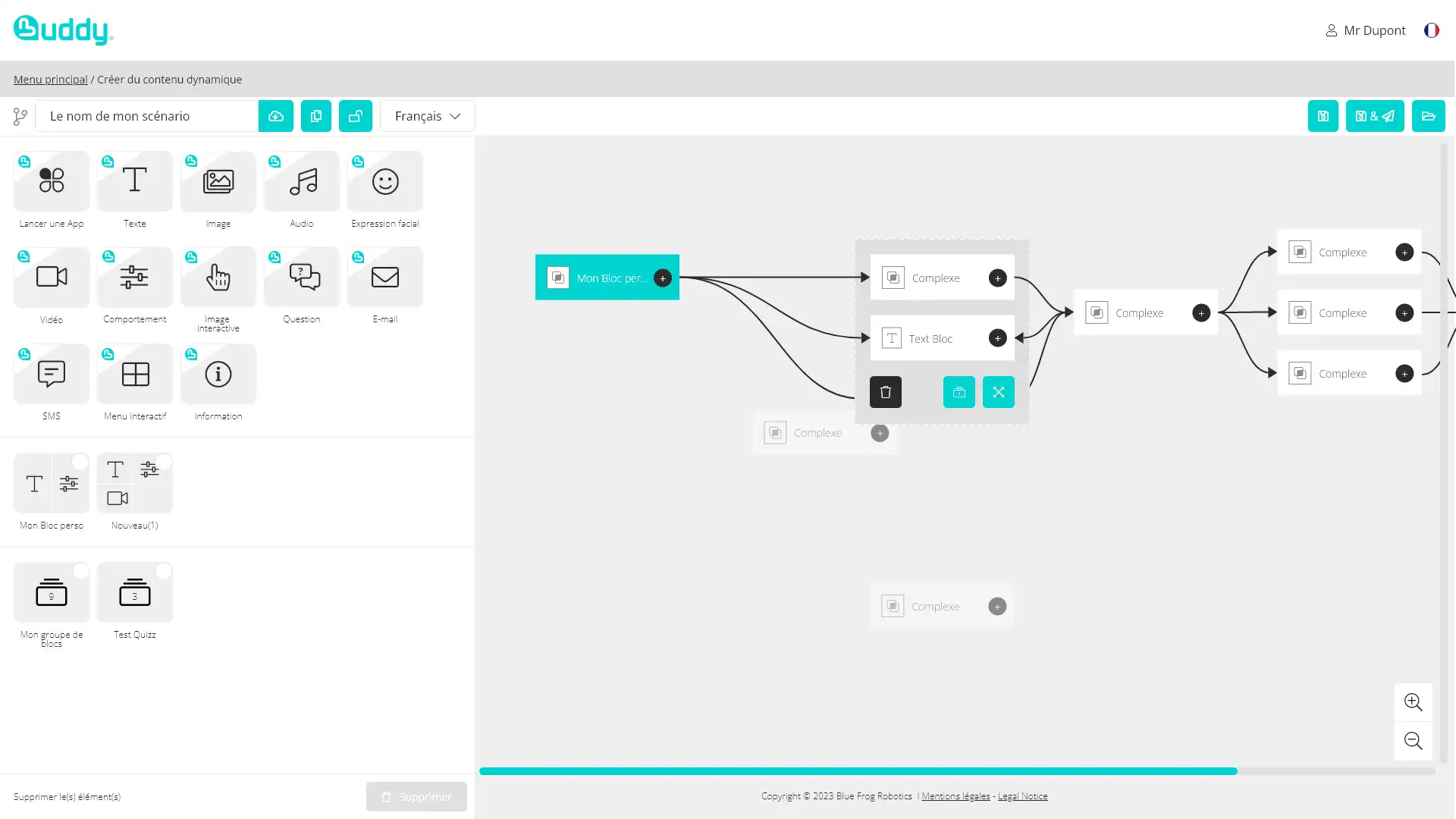
Buddy Studio is a web application dedicated to creating interactive scenarios for Buddy. It allows users to easily design customized experiences by combining different functionalities of the robot.
The goal is simple: to make Buddy a multifunctional robot capable of adapting to all contexts, including hospitality, education, healthcare, retail, and events.
A New Approach to Robotic Coding Kits
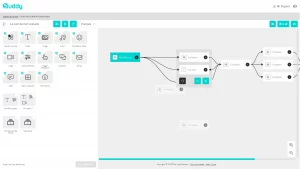
What sets Buddy Studio apart from other robotic coding kits is its block-based functionality system. Users can easily drag and combine different feature blocks to create sophisticated behaviors for Buddy. These blocks include:
- Sensors: React to touch, sound, movement, or environmental inputs
- Motors: Control Buddy’s movements and positioning
- Emotions: Trigger expressive reactions to enhance user interaction
This modular design allows users to build complex logic without writing extensive code, making it one of the most innovative robotic coding kits available today.
Conditional Scenarios for Smarter Robots
At the core of Buddy Studio is its conditional scenario engine. Users can define “if-this-then-that” logic to create responsive and intelligent robot behaviors. For example:
- If a user waves at Buddy, then Buddy smiles and greets them
- If a sensor detects low light, then Buddy turns on a notification or reacts accordingly
This approach transforms Buddy into a truly interactive companion and elevates the capabilities of traditional robotic coding kits.
Enhanced Interactivity with ChatGPT Integration
Buddy Studio goes even further by integrating ChatGPT, enabling advanced conversational experiences. Users can design interactive menus and dialogues, allowing Buddy to:
- Engage in natural conversations
- Guide users through interactive choices
- Provide personalized responses
This feature brings a new dimension to your Buddy by combining AI-driven communication with physical robotics.
Communication Features: Email and SMS Integration
Another standout feature of Buddy Studio is its ability to connect with external communication channels. Users can incorporate actions such as:
- Sending emails based on specific triggers
- Dispatching SMS notifications in real time
These capabilities make Buddy Studio not just a creative tool, but also a practical solution for automation and smart assistance something rarely seen in standard robotic coding kits.
Choreographing Buddy’s Reactions
Buddy Studio allows users to choreograph the robot’s behavior in a seamless and expressive way. By combining movements, emotions, and interactions, creators can design:
- Story-driven experiences
- Educational demonstrations
- Entertainment scenarios
This level of control ensures that Buddy is not just functional, but also engaging and emotionally expressive an important evolution in robotic coding kits.
Why Buddy Studio Stands Out
In a market filled with robotic coding kits, Buddy Studio distinguishes itself through:
- A user-friendly web interface
- Advanced conditional logic building
- Integration of AI (ChatGPT)
- Real-world communication features like email and SMS
- Full control over robot sensors, motors, and emotions
DOWNLOAD
You will find all the documentation relating to this application here.